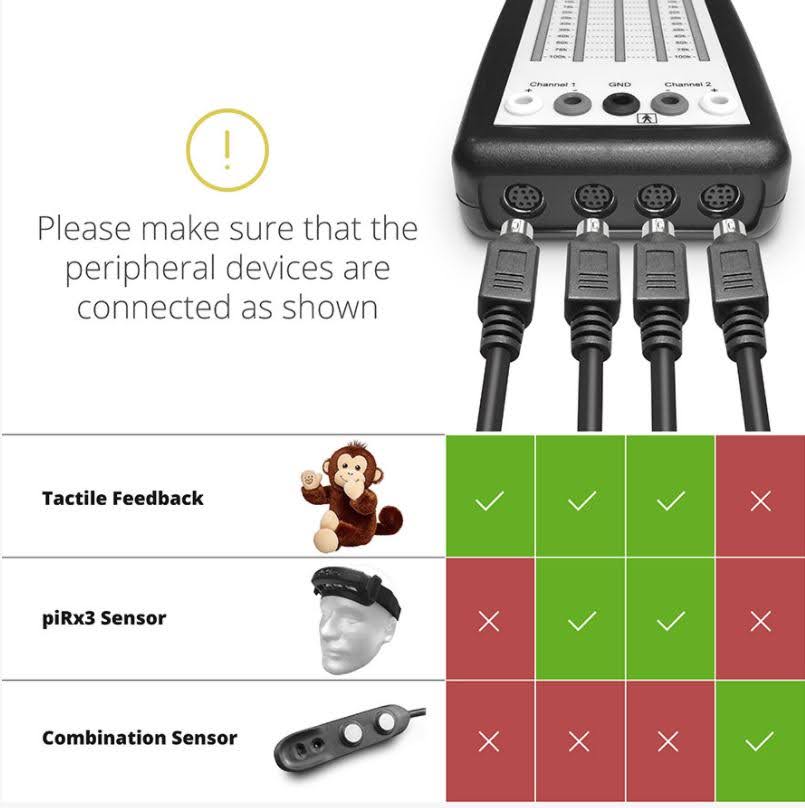

You will need a license for BEE Lab or Cygnet, and a NeuroAmp II or NeuroAmp II.5s.
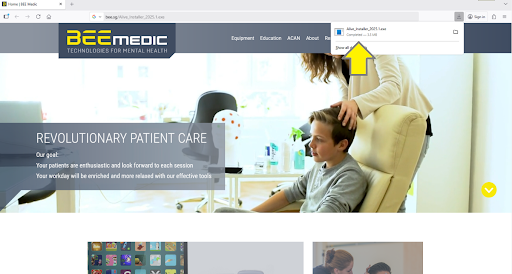
1. Click on the Alive download link: https://bee.sg/Alive_Installer_2025.1.exe
2. Open the webinstaller that you downloaded
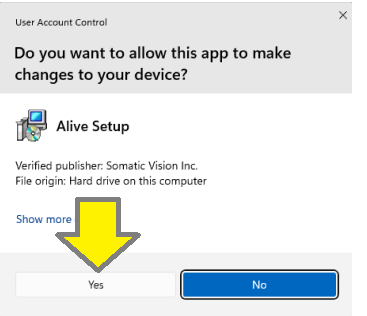
3. Do you want to allow this app to make changes to your device? Click Yes
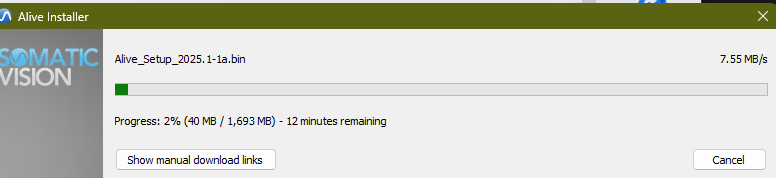
4. The installation files will start downloading, and an estimated time for the download will be provided.
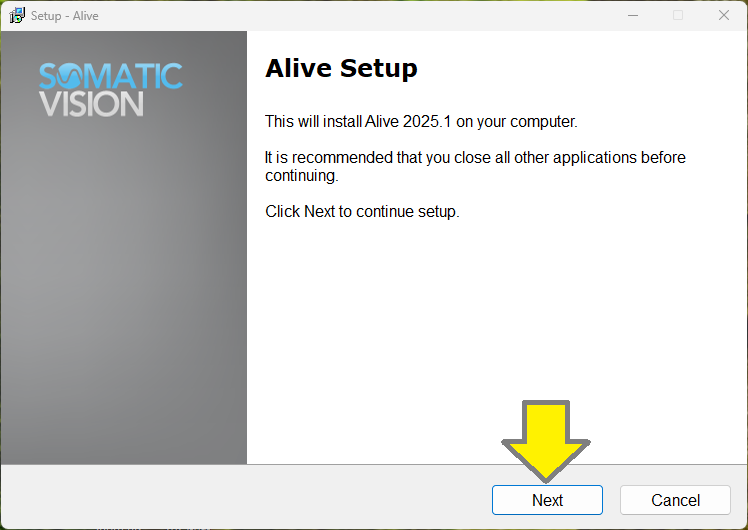
5. After Alive has finished downloading, you will see the Alive Setup Screen. Click Next
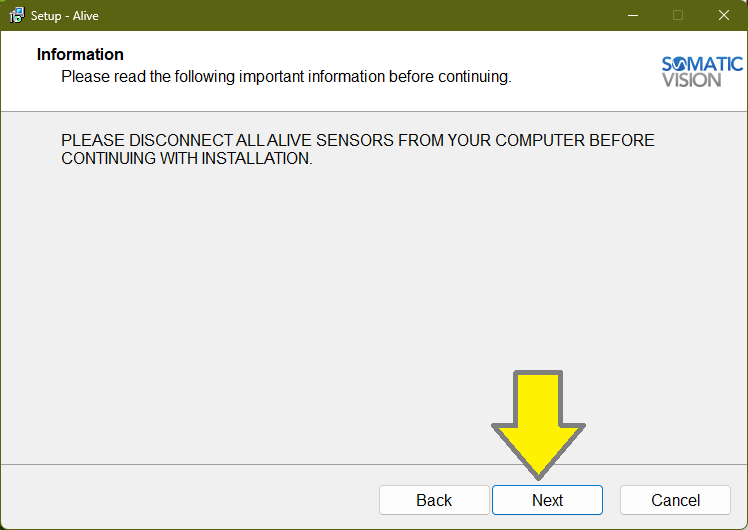
6. Disconnect the Combination Sensor from the NeuroAmp during the installation and click Next.
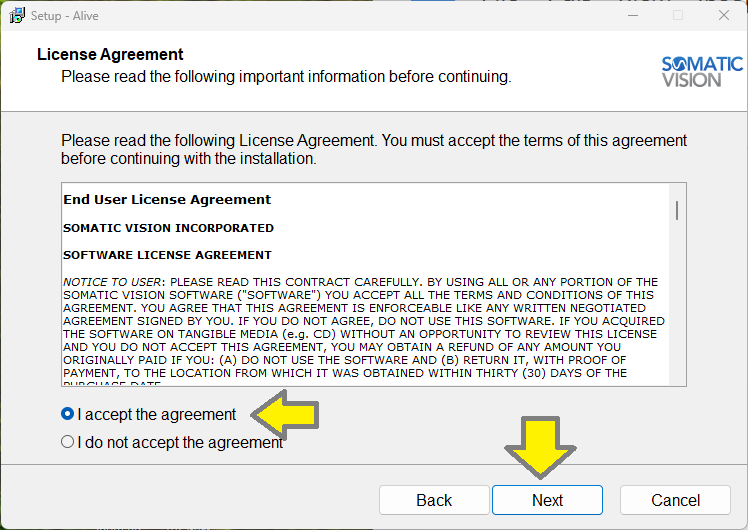
7. Accept the End User License Agreement and Click Next
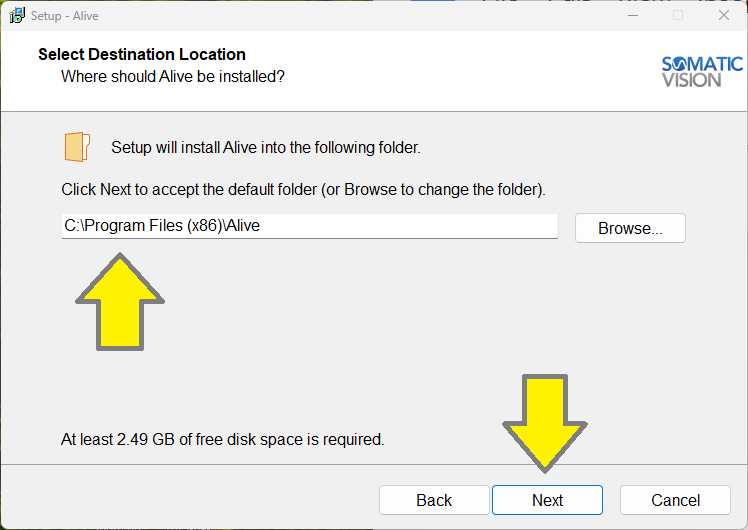
8. Select Destination Location, leave set to the default location and click Next.
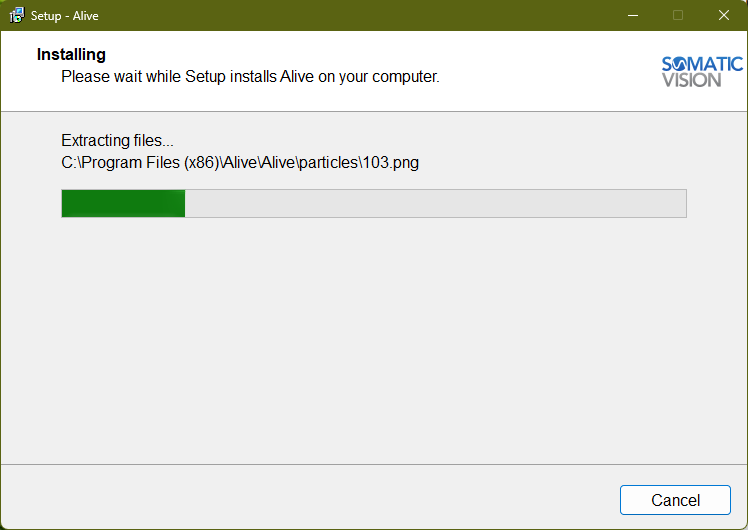
9. Alive will install, and click Finish
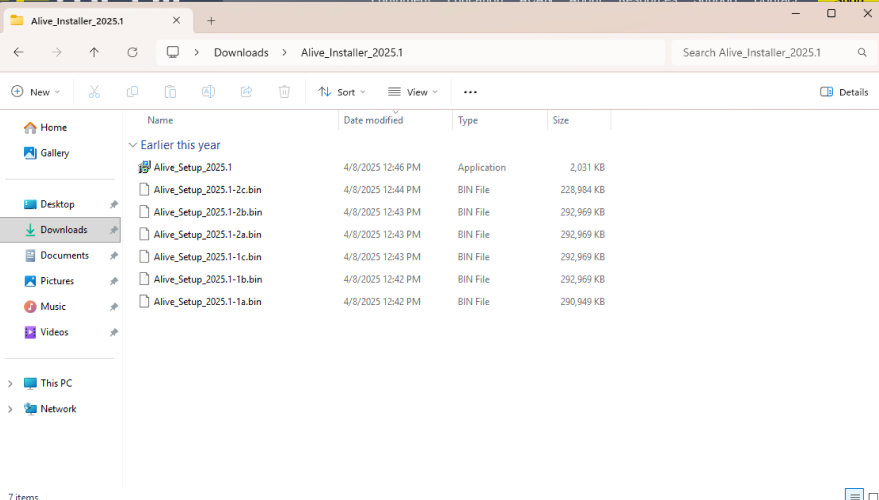
10. Make sure the Alive installation files are saved in the download folder.
11. Make sure the combination sensor is plugged into the correct port.
It needs to be plugged into the DIN port on the right side of the NeuroAmp before using.