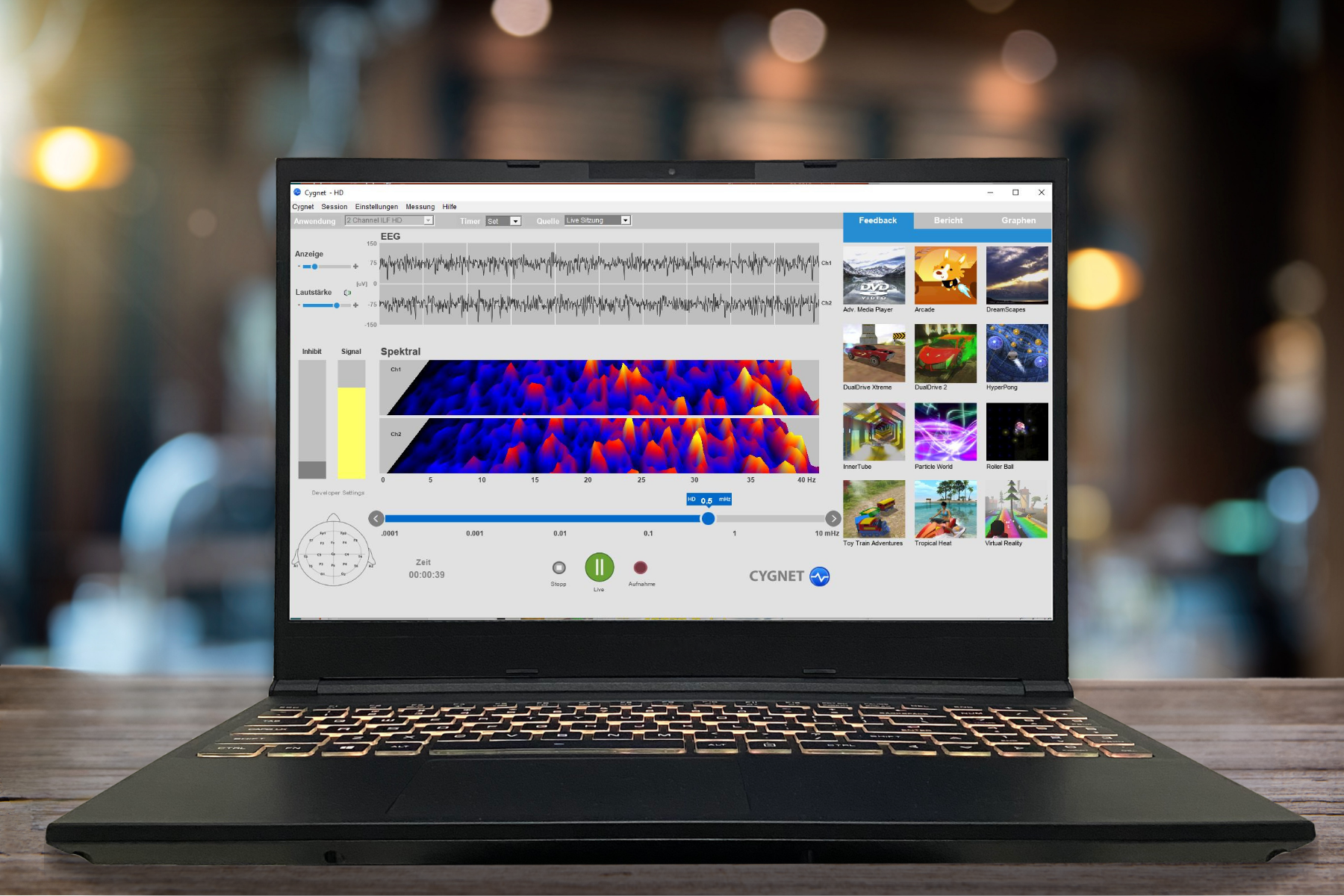
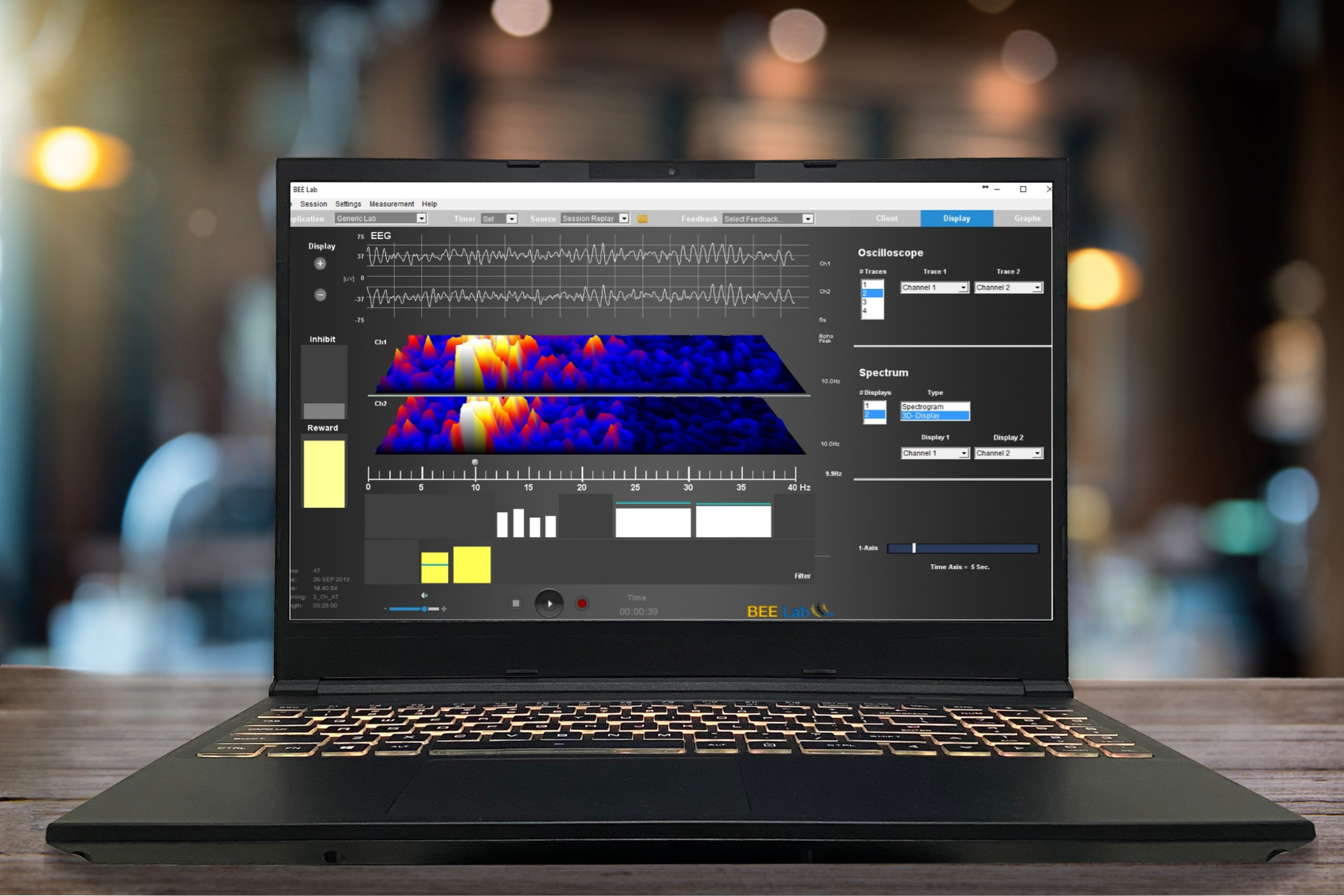
Once you have downloaded the software, make sure your NeuroAmp ist connected. You can now start Cygnet or BEE Lab in the Start menu or, if selected during installation, via a shortcut on the desktop or in the quick launch bar.
Further information on use and settings can be found in the manual.
You can regularly check whether you are still working with the latest version of the software and, if necessary, download BEE Lab or Cygnet updates free of charge. To do this, click on “Help” / “About” in the software and then on the “Check for Updates” button. If an update is available, you can download the latest version by clicking on the “Download Update” button.